01
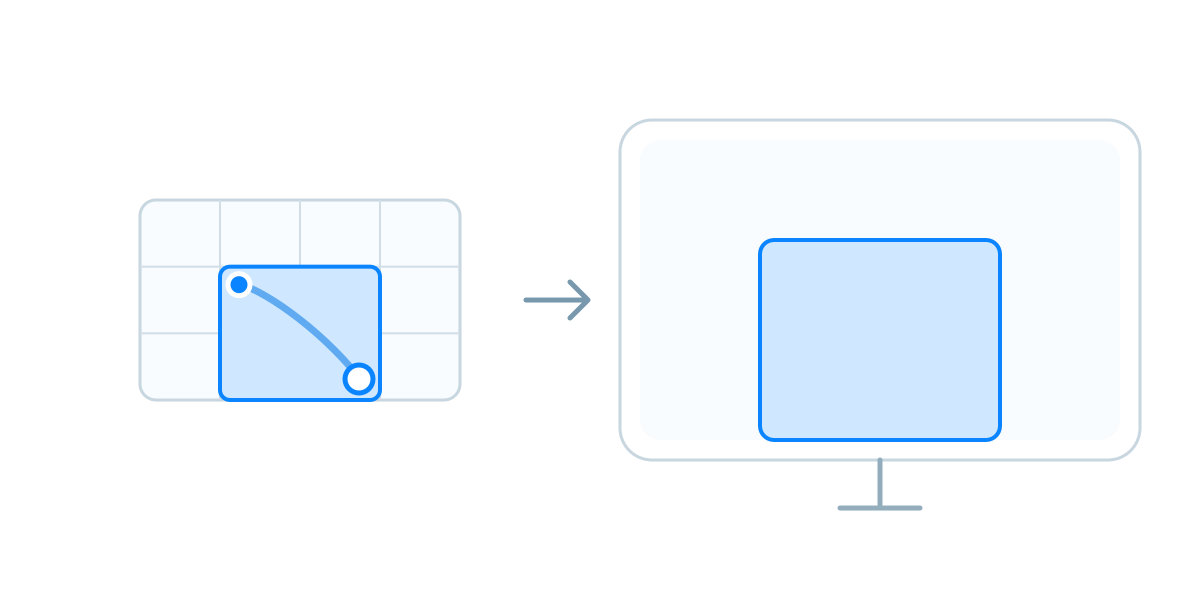
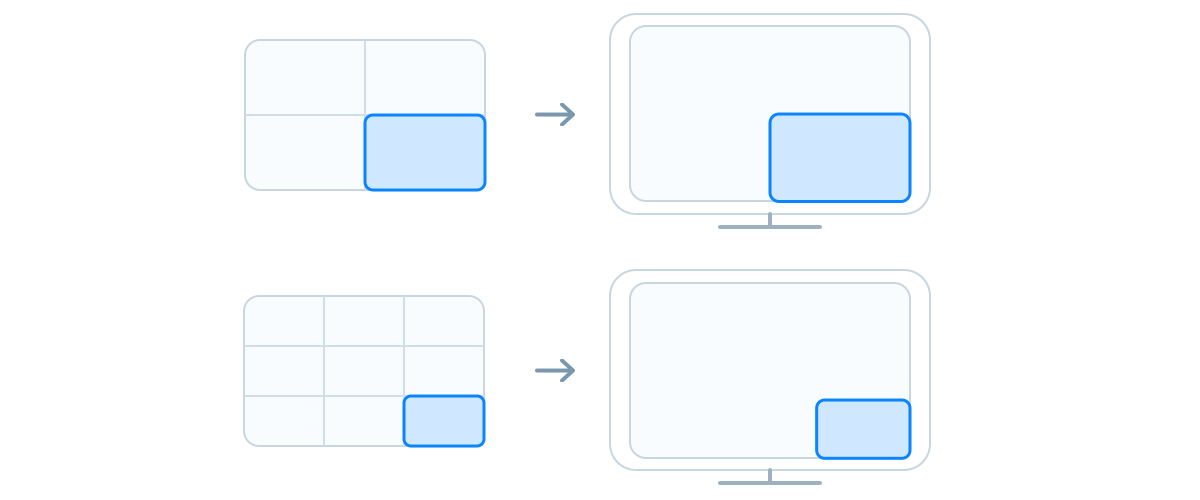
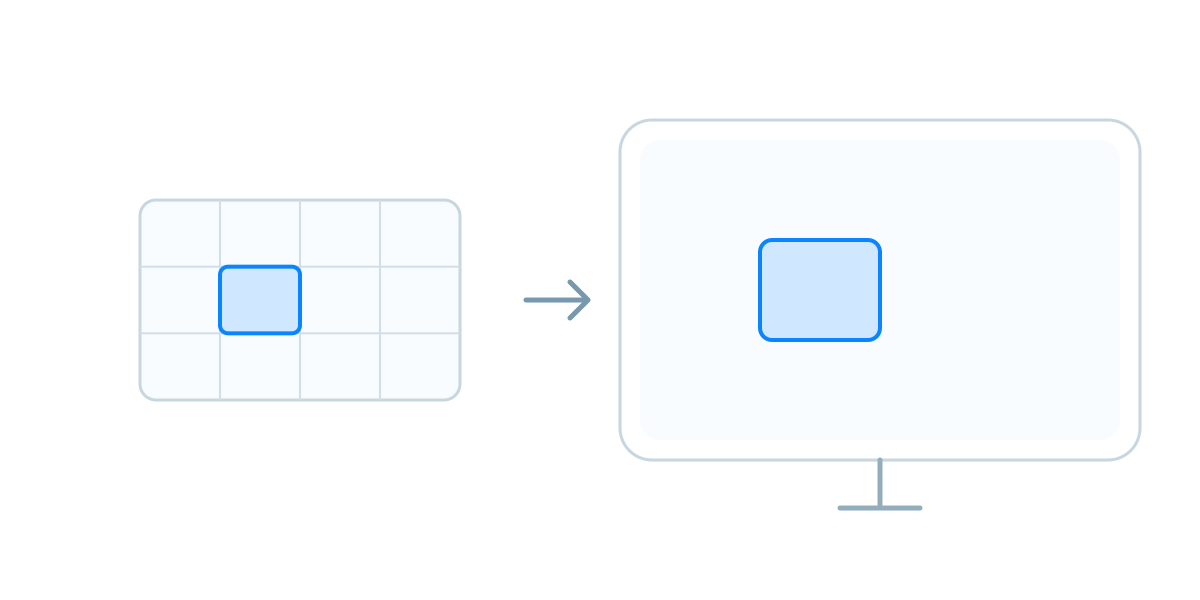
The grid maps directly to your screen, with each tile representing a specific area.
Free 14-day trial · Requires macOS 14.0 or later
Core
01
The grid maps directly to your screen, with each tile representing a specific area.
02
Drag to select one or more tiles to set the window’s position and size.
Features
No setup required. No shortcuts or snap zones to remember. Drag to select. That’s it.
Adjust the number of rows and columns to get exactly the level of control you want over window size and placement.
Each display has its own grid, so you can place windows on any display and move them between displays.
Open the FastTile panel from the menu bar or with a global keyboard shortcut.
FAQ
FastTile includes a 14-day free trial. After the trial ends, you’ll need to purchase a license to continue using it.
No. FastTile is available only for macOS and requires macOS 14.0 or later.
macOS requires Accessibility access before FastTile can move and resize windows from other apps. This permission is used only for window management—FastTile does not use it to collect personal data.
Some apps enforce a minimum width or height. If the area selected on the grid would make the window too narrow or too short, that dimension will remain at the minimum size the app supports.